By Lee Sykes
November 2006
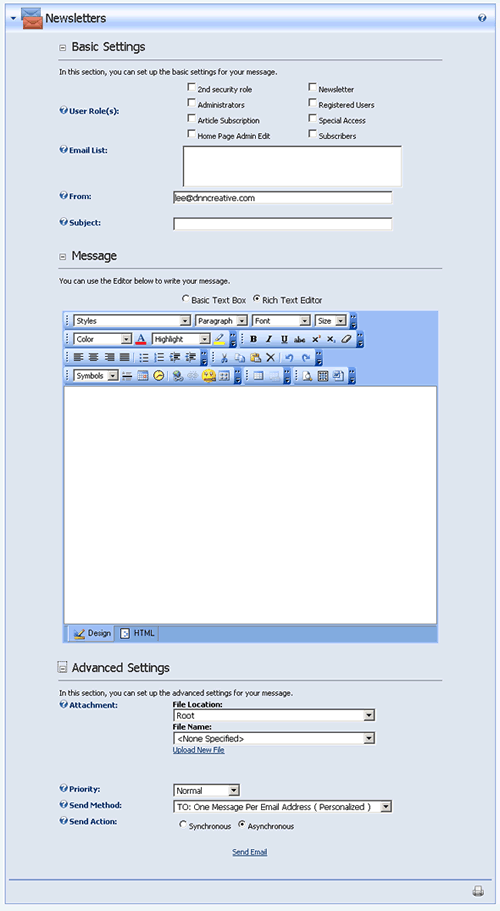
DotNetNuke has the built in facility to send newsletter emails to the registered users on your DotNetNuke portal.
You can create your own HTML or Plain Text emails and select which users to send the email to. Messages can be personalized with the users’ details, and you also have the option to attach files to the emails.
Alongside this, the administrator receives a confirmation email that the newsletter messages have been sent.
This video tutorial demonstrates how to use and configure the Newsletters module in DotNetNuke.
Video
- Basic Settings
- Selecting who to send the newsletter to
- User roles – selecting security roles
- Email list – specifying additional email addresses
- From
- Subject
- Creating the email message
- HTML and plain text emails
- How to add text and images
- Advanced Settings
- Adding an attachment to the email newsletter
- Priority
- Send method: One Message Per Email Address (Personalised)
- Send method: BCC: One Email to Blind Distribution List (Not Personalised)
- Send action: synchronous and asynchronous
- How to send the email newsletter
- Viewing the sent email newsletter
- Viewing the administrator confirmation email
- Considerations for the size of the email list
Time Length: 9mins